
Introduction
The Survey Data Import Wizard in codeit supports different layout types when importing survey data.
This page explains how to select the correct file type when importing survey data.
File Types
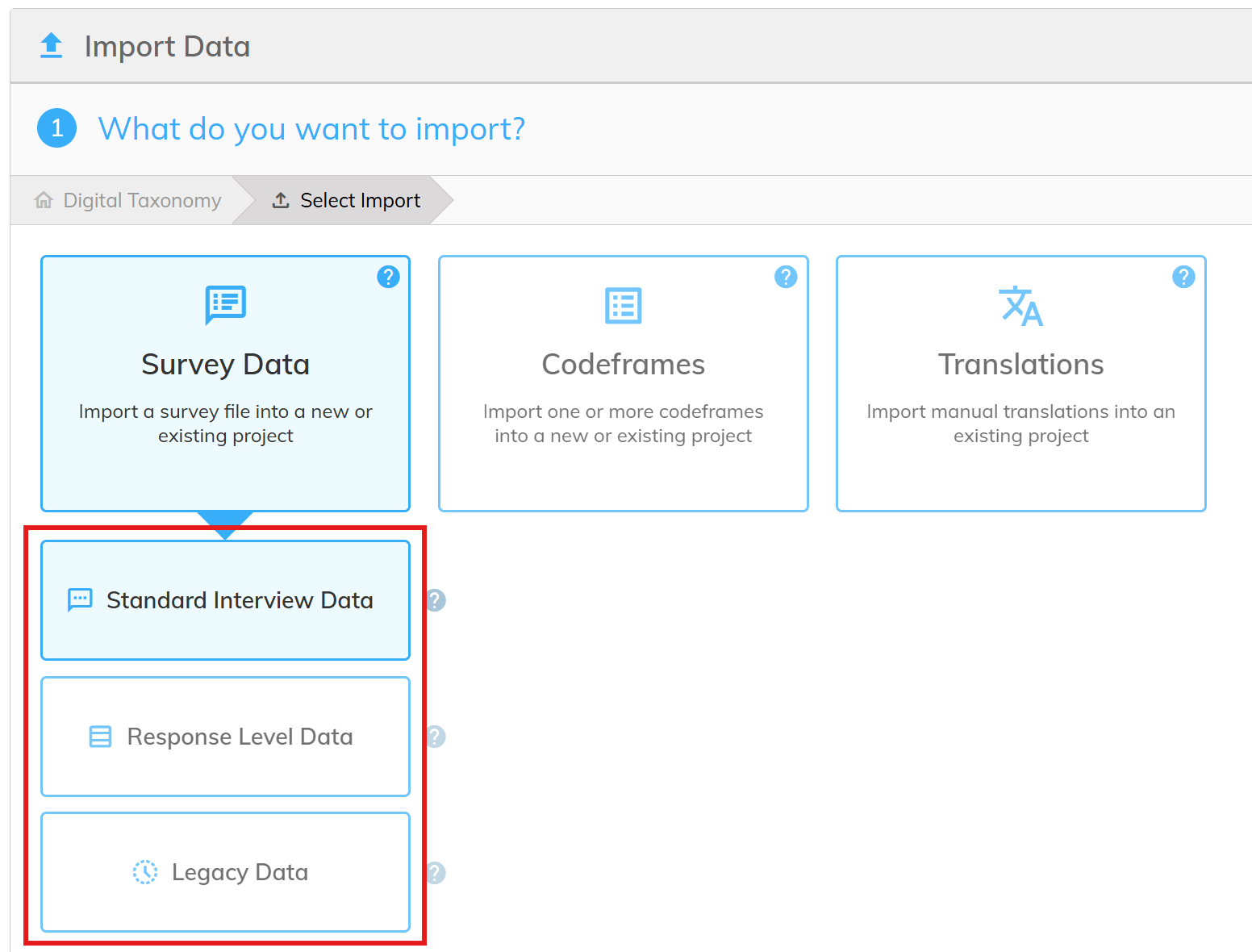
The following table lists the layouts that codeit supports when importing survey data:
| Layout Type | Description | Example |
|---|---|---|
| Standard Interview Data | Data is laid out with one row per interview. Each column contains a question response from an interview. The column headers denote the survey question (or question iteration) that the response relates to. | Example File |
| Response Level Data | Data is laid our with one row per question response. The file must contain a column that denotes the survey question that each response relates to. Optionally, the file can also contain a column that denotes the question iteration when importing looped data | Example File Example File (Looped) |
| Legacy Data | Data exported from old legacy systems. | Ascribe Backup File |
Steps Required
On the first page of the Survey Data Import Wizard, select the file type from the options available.
For more infor about the Legacy Data Import, click here.