Introduction
Language Labels are used during import to match a Language variable with defined project languages.
For example, if a language variable "Lang" contains "French/France" as a label for all French verbatims, "French/France" must be defined as a Language Label for this project.
This page explains how to add a Language Label directly within the Project Details page.
To learn more about language setup during import, see here.
Adding a Language Label
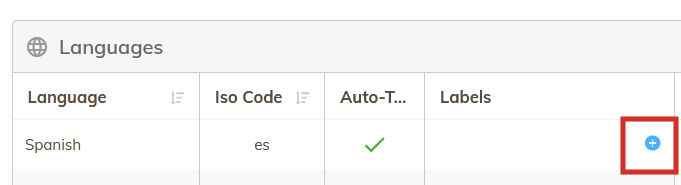
To add a Language Label, click the "+" icon in the Label column of the relevant language:
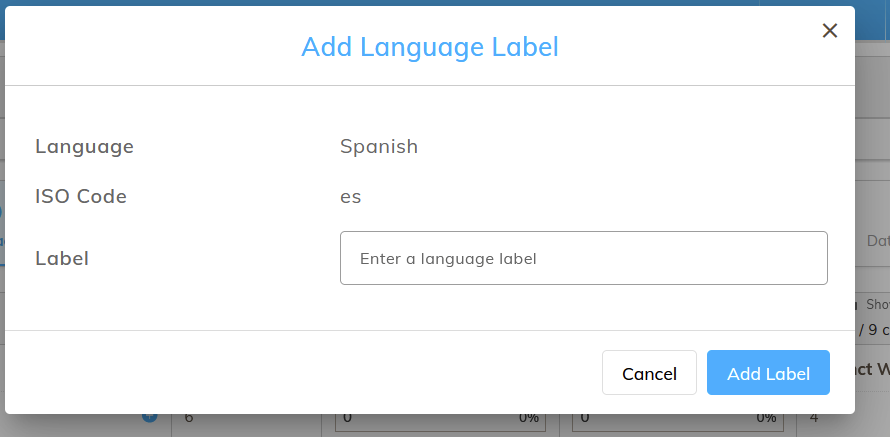
The "Add Language Label" dialog will then be displayed where the configuration of the Language Label can be specified: