
Introduction
Using the People panel in the Project Details, it is possible to add and edit permissions at the project-level directly.
For more details about the permissions available, click here.
Adding Project Permissions to an existing user
You can add a Project-level Permission by clicking on the "Add" icon for each user:
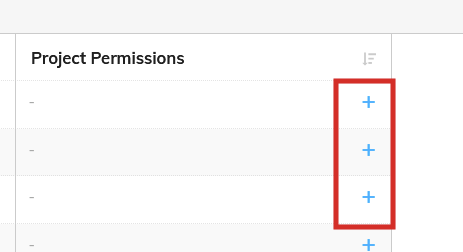
A dialog will then be displayed where you can choose the permission level.
Editing an existing User's permissions
If a User already has access to some project-level permissions, you can delete and edit those permissions by clicking on the appropriate button for that user:
A similar dialog will then be displayed allowing you to edit the relevant permissions.