Introduction
The Verbatim Panel within the Manual Coding screen contains the ability to edit verbatim text and verbatim translations, if required.
This can be useful, for example, if you need to manually redact text in verbatims or correct an autotranslated verbatim.
Prerequisites
By default, the Verbatim and Translation columns are not editable.
For these columns to be editable, the Source Variable within the Task needs to be marked as editable.
This can be set when your data is imported (either with the File Import Wizard or Link Data Wizard).
Alternatively, after a Task has been created this setting can be changed in the Edit Task Panel of the Project Details page.
Steps Required
To edit a verbatim or translation, follow these steps:
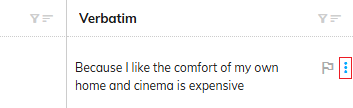
- Click the "Verbatim Actions" icon next to the verbatim you want to edit:
- Click "Edit Verbatim Text" or "Edit Translation Text" from the context menu:

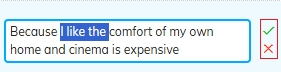
- Make any necessary edits to the text:
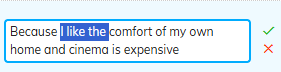
- Click the checkmark icon to save your changes, or the X icon to cancel your changes: