
Introduction
The new coding screen in codeit is available to all users but at this time the old coding screen is the default, requiring an extra step to switch into the new one.
If you would prefer to always use the new coding screen by default then the Default Coding Screen setting allows you change this behaviour.
Steps Required
To change the appearance of the Manual Coding page, follow these steps:
- Click the cog icon in the top right corner of the Toolbar Panel:

- Toggle on the "Use this new coding screen by default" button within the "Version" section:
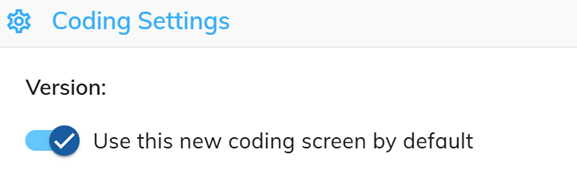
Once enabled, the new coding screen will be used by default whenever you enter Manual Coding from the Start Menu and via the nav buttons that link from Visualize and Refine Codeframe pages.