
Introduction
During the Link Data setup, you can copy the Data Link configuration of an existing Project to speed up the setup process.
Copy Configuration from an existing Project
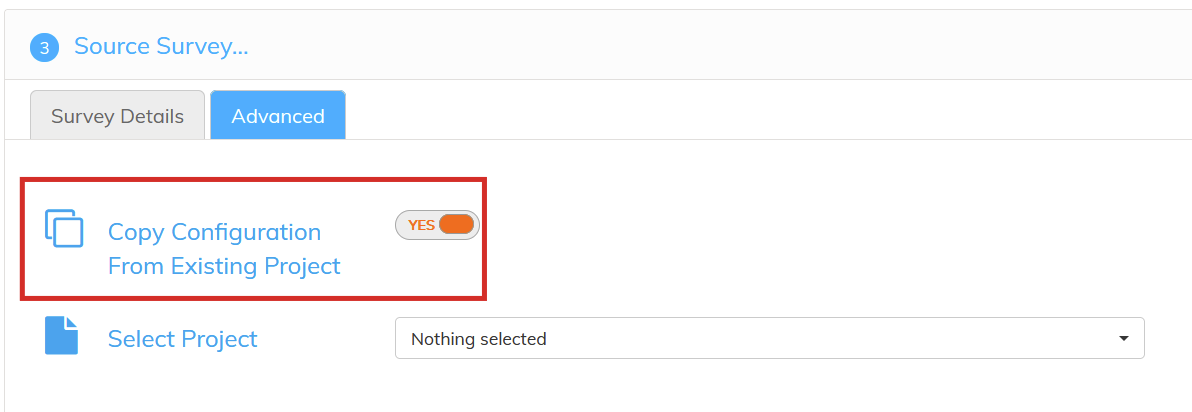
To copy the Data Link configuration, select the "Advanced" tab during the Source Survey step. This option is only available for new Data Link projects.
It allows you to copy all selected fields and options of an existing Project and apply it to the new Project.
Fields which were configured the existing Configuration but do not exist in the new file will be ignored.
The existing Tasks will also be copied and configured according to the existing project.
Advanced configurations such as collapsing variables, aliasing, Language setup or Wave variable will also be copied from the existing configuration to the new project.