Introduction
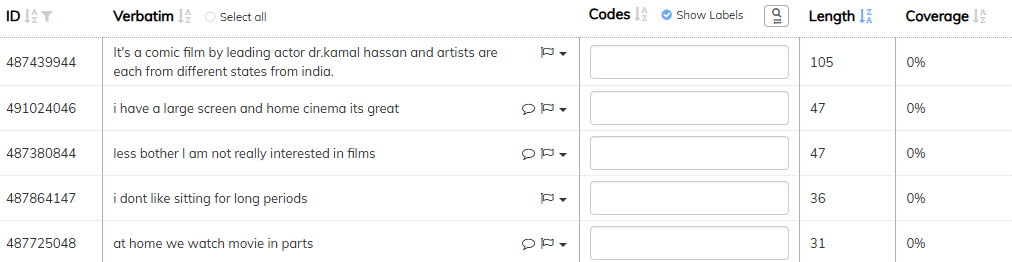
When you use the "Run AI" option in codeit there will always be a small percentage of verbatims that the AI is unable to code. codeit offers a quick way to view these verbatims so you can manually code them and ensure your data is 100% coded.
This page outlines the steps to follow to do this.
Steps
- From the Start Menu choose the "Refine Coding" option to enter the manual coding screen
- To filter the data on uncoded verbatims, click the "Show Uncoded" filter button in the toolbar

This will filter the view and just show verbatims where no codes have been applied.