Introduction
If you are coding a multi-lingual project, you may want to define translations for each of the theme labels in your codeframe.
It can be useful for native speakers to have a version of the codeframe in their own language.
It can also improve the accuracy of the autocoding, for example when coding brands, to have spellings of each theme in each local language.
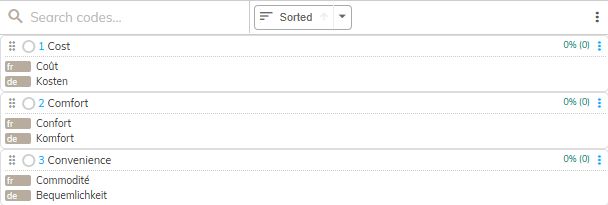
When you are working in the Manual Coding screen, and translations have been defined, you can display these translations beneath each theme in the Codeframe Panel.
For information on how to add translations to a codeframe, click here.
Steps Required
To show translations with your codeframe follow these steps:
- Click the cog icon in the top right of the Codeframe Panel
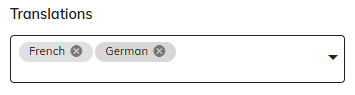
- Select the language(s) you want to display from the list available:
Example
In the following example, three themes are shown within the Codeframe with the French and German translations displayed beneath each.