
Introduction
Within the Manual Coding screen in codeit, the Codeframe Panel displays the current Codeframe.
It provides various ways to work with a codeframe such as sorting, editing, and coding.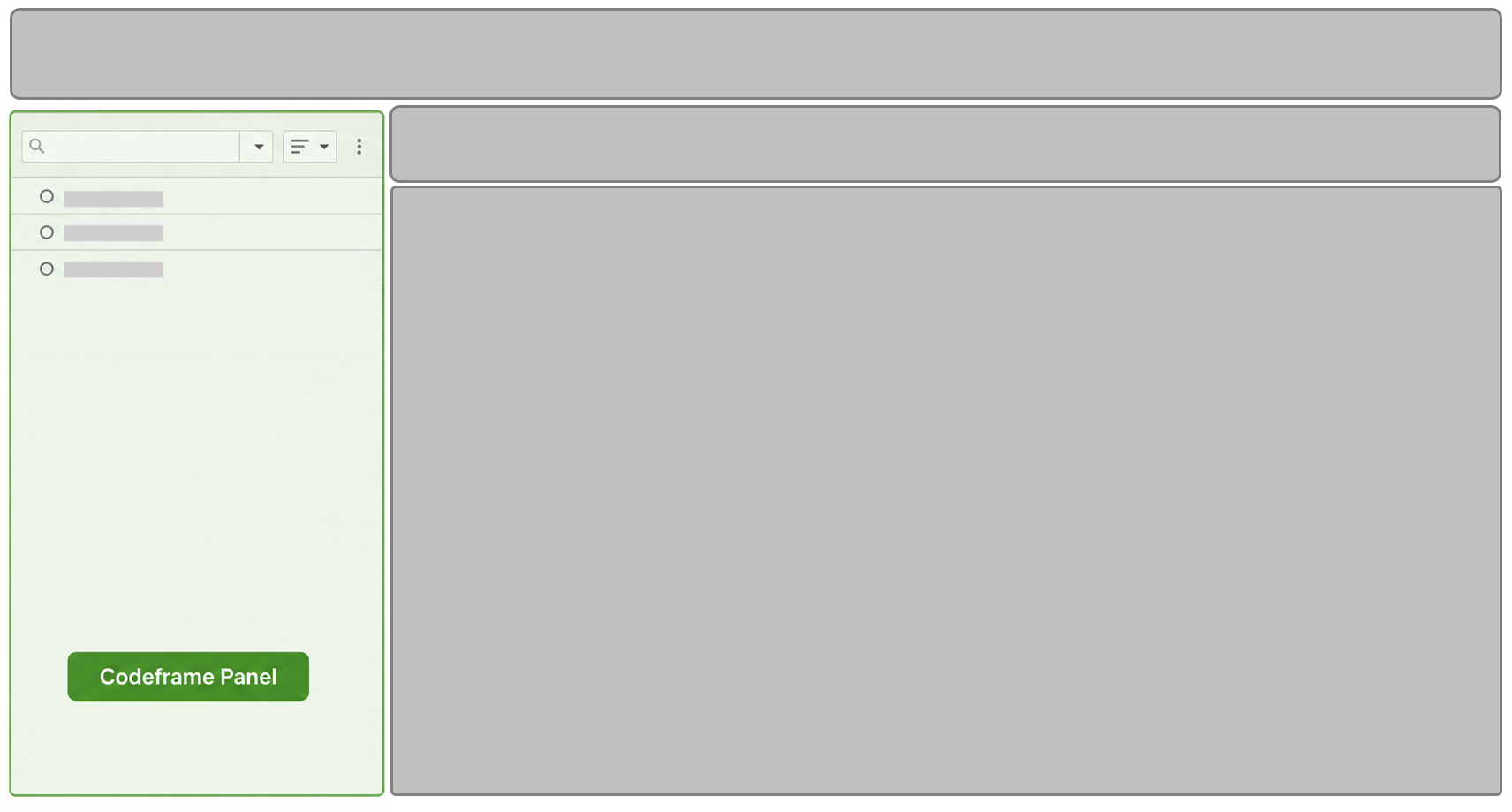
Supported Features
The following table contains a brief description of the features provided, and links to further details.
| Feature | Description |
|---|---|
| Searching | Allows you to search for specific text within the Codeframe. The search will search within nets, themes, descriptions and translations |
| Sorting | Sorts the Codeframe display using a chosen method (e.g. Alphabetically, by Frequency or by code) |
| Reordering | Allows you to reorder the Codeframe by dragging themes into a new position |
| Merging | Allows you to merge Themes within a Codeframe |
| Codeframe Actions | Performs actions on the Codeframe (e.g. add a net, renumber, add translations) |
| Net Actions | Performs actions on an individual net (e.g. rename, edit, add subnet) |
| Theme Actions | Performs actions on an individual theme (e.g. rename, edit, split) |
| Coding | Apply a Theme in the Codeframe to selected verbatims |
| Settings | Provides access to settings that control the appearance and behaviour of the Codeframe Panel. |