Introduction
The "Run AI" option in codeit will autocode your verbatims as fully as possible. However, there will be some instances where the AI has a code in mind, but is not confident enough to safely apply it. In this instance, the AI will suggest a code that you could apply. You can view these suggestions to guide you and speed up the manual coding process.
This page outlines the steps to follow to do this.
Steps
- From the Start Menu choose the "Refine Coding" option to enter the manual coding screen
- To view the AI suggestions, click the "Show Suggestions" filter button in the toolbar
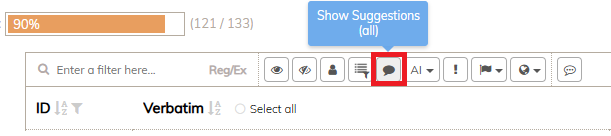
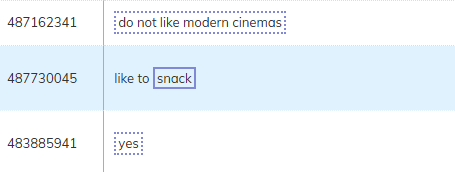
This will filter the view and just show verbatims where the AI has suggestions. Suggestions will be shown as dotted lines around the relevant portion of text within the verbatim.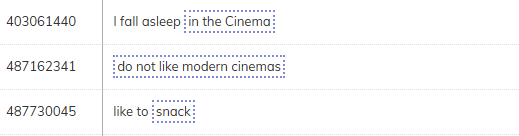
- You can hover over the dotted area to view information about the suggestion - e.g. what code is being suggested and how confident the AI was about that suggestion.
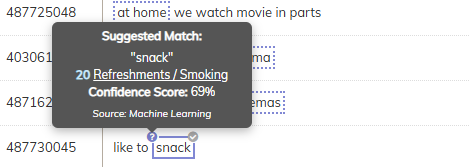
- You can click on the suggestion to apply the suggested code. The dotted line will then change to a solid line to indicate that the code has been applied.