
Introduction
The People panel within the Project Details page displays the People settings.The page lists project users and their permissions at administrator, group and project level.
Permissions can be edited at a project level (e.g. Supervisor, Codeframe editor, etc). Existing users can be added to the project group here.
Accessing the People panel
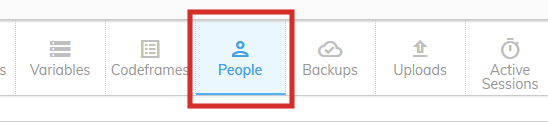
To view the People panel, click the "People" button in the ribbon within the Project Details page.
Panel columns
The Settings panel displays a table of information with the following settings:
| Column | Description |
|---|---|
| Project User | The users with access to this Project |
| Administrator Permissions | Permissions added through the Administrator groups |
| Group Permissions | Permissions added through user-defined Groups |
| Project Permissions | Permissions added at the Project level |
Adding and Editing Project Permissions for a User
Click here for more details on how to add and edit project-level permissions for an existing User.
Adding a User to a Project
You might also want to add an existing codeit User to a specific Project. Click here for more details about this use case.