
Introduction
This page details how to add an existing codeit User to a specific Project. This can be useful when a User does not have access to a Project through global company-level permissions, or when you want to control permissions at a Project-level.
To add a User to a project, click the "Add" button on the top left of the table: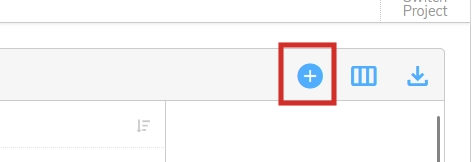
Adding a Person to a Project
A dialog will allow you to choose the user and permission you want to add to this Project: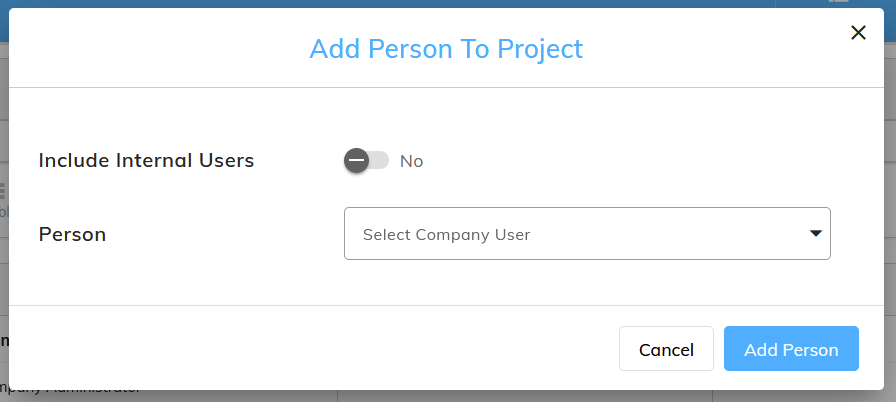
The "Include Internal Users" allows you to choose if you want to display external coders only, or if you also want to be able to pick an existing internal user.
For more details about external coders, please see the Coding Allocations page here.