
Introduction
Within the Manual Coding screen, the Verbatim Panel is the main central panel that displays your data in a list.
It provides various ways to work with your data such as sorting, filtering, editing, coding and flagging.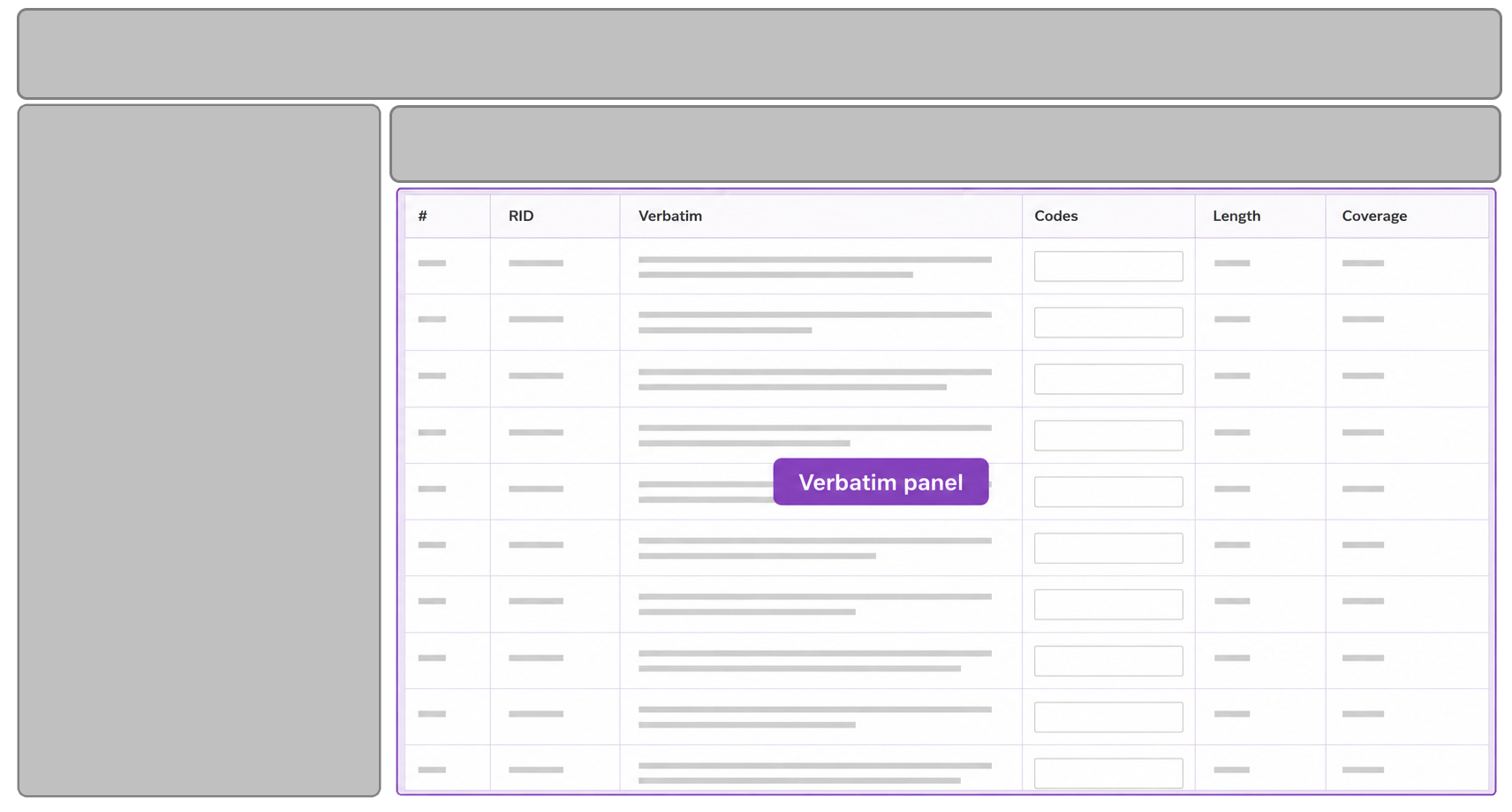
Features Supported
The following table contains a brief description of the features provided and links to further details:
| Feature | Description |
|---|---|
| Filtering Columns | Filters records displayed based on values in a column |
| Sorting | Sorts records displayed based on values in a column |
| Selecting Rows | Selects one or more records so that bulk actions can be applied to all (e.g. apply theme, flag etc.) |
| Applying Themes | Assigns a theme to one or more selected records |
| Removing Themes | Removes a theme from one or more selected records |
| Flagging Verbatims | Attaches a flag to one or more selected records |
| Verbatim Options | Shows a menu of actions that can be performed against one or more records |
| Verbatim Editing | Edit the text of a verbatim or translation |
| Advanced Coding | Fine grained editing of coded segments of text within a verbatim |