
Within the Manual Coding screen, the Toolbar Panel contains a number of useful features you can use when working with your data. Features such as data selection, filtering, project and page settings are all quickly accessible from the Toolbar Panel.
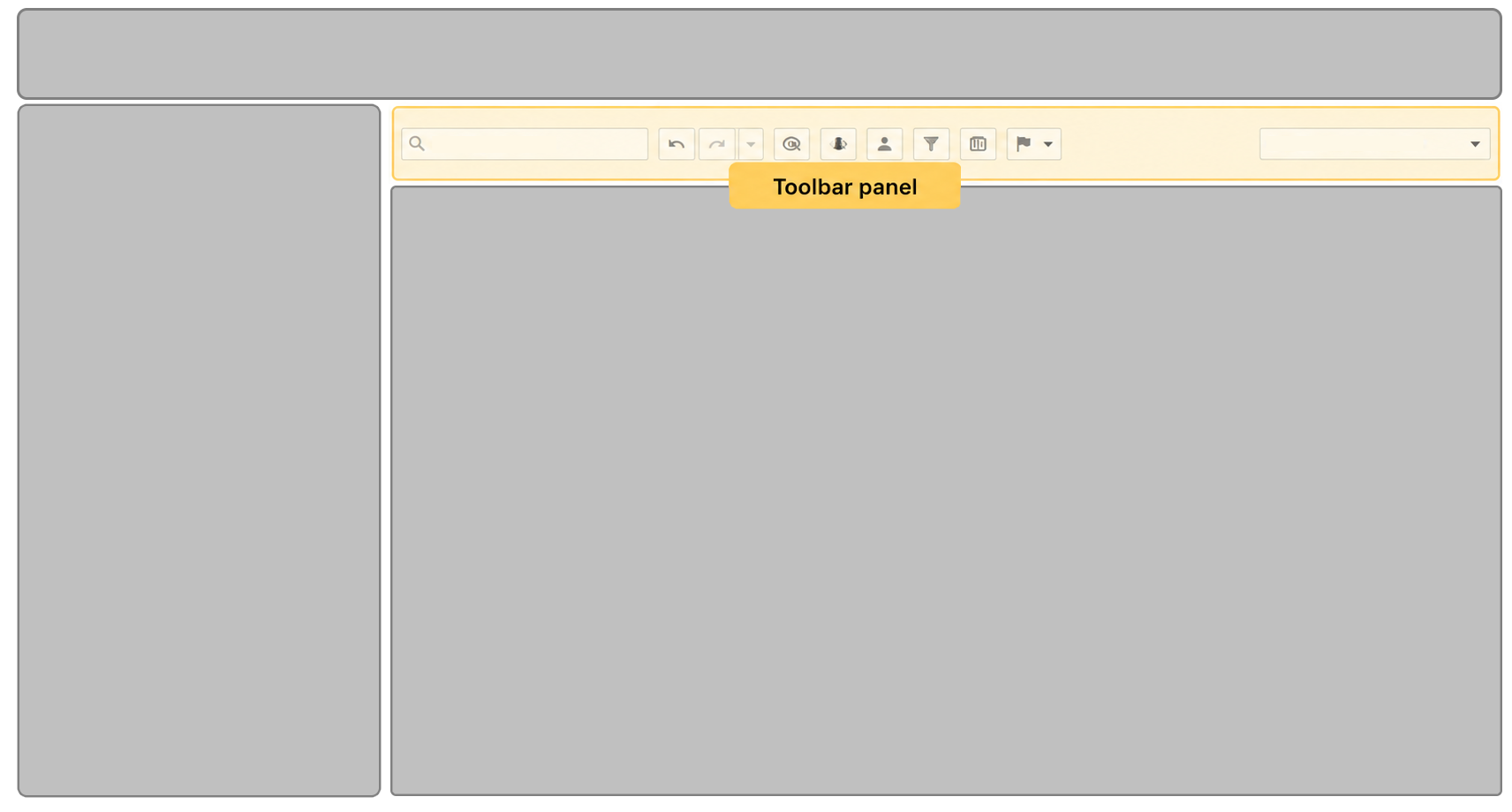
Features Supported
The following table contains a brief description of the features provided and links to further details:
| Feature | Description |
|---|---|
| Task Menu | Displays information about the currently loaded data and provides methods to change this selection. |
| Progress Indicator | Shows completion progress and information about current selection |
| Coding Settings | Gives you access to settings that control the display and behaviour of the Manual Coding screen |
| Search | Allows you to filter your verbatims by searching for a given text expression |
| Toolbar Buttons | A set of buttons for performing actions, filtering and highlighting in the Manual Coding screen |
| Column Selector | Controls the columns displayed in the Verbatim Panel |