
Introduction
Within the Codeframe Panel settings in codeit you have the option of toggling on/off the sentiment icon for each theme in the codeframe.
Steps Required
To change the Show Sentiment setting, follow these steps:
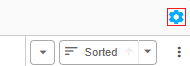
- Click the cog icon in the top right of the Codeframe Panel
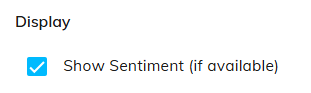
- Toggle on/off the "Show Sentiment" setting within the Display section:
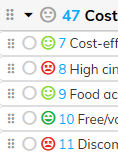
- When toggled on, an icon will be displayed showing the prevailing sentiment for each theme.
How is sentiment calculated?
A sentiment score is calculated by averaging all of sentiment scores for a given theme. This results in a 5-point average score (Strongly Negative to Strongly Positive) which is represented by the icon displayed.