
Introduction
Within the Manual Coding screen, the Coding Tools Panel gives you extra ways to explore and work with your verbatim data without leaving the Manual Coding screen.
For example, the "Brands" tab assists with the process of coding brands - listing all of the brands in the codeframe and coding suggestions within each. 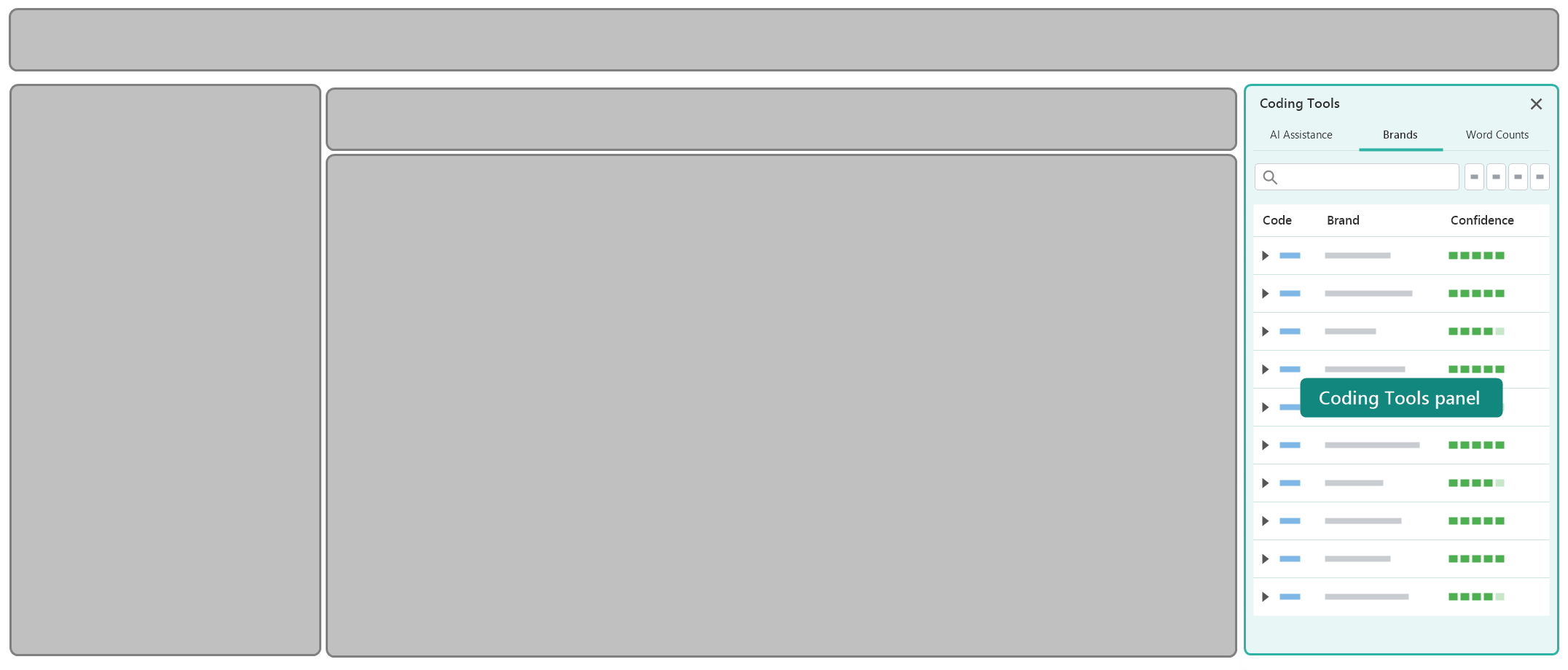
Showing and Hiding the Panel
To close the Coding Tools Panel, click the X in the top-right corner of the panel. The Verbatim Panel then expands to fill the space.
To reopen it, click the Open Side Panel icon at the far right of the Toolbar Panel, next to the Fullscreen and Settings icons.
Features Supported
The Coding Tools Panel is organised into tabs. The following table contains a brief description of each tab with links to further details:
| Tab | Applies To | Description |
|---|---|---|
| Brands | Brand Coding Tasks | Lists the brands within the codeframe and displays suggested spelling variations matched to each. Lets you review, filter and apply brand suggestions to your verbatims. |
| Word Counts | All Coding Tasks | Displays a list of distinct words found within the current verbatims and how often each appears - useful for spotting common terms and filter your data by them. |