
Introduction
In October, we announced the new "Coding Tools Panel" within the Manual Coding Screen.
This helpful new area is the home to various tools you can use to assist with the coding process.
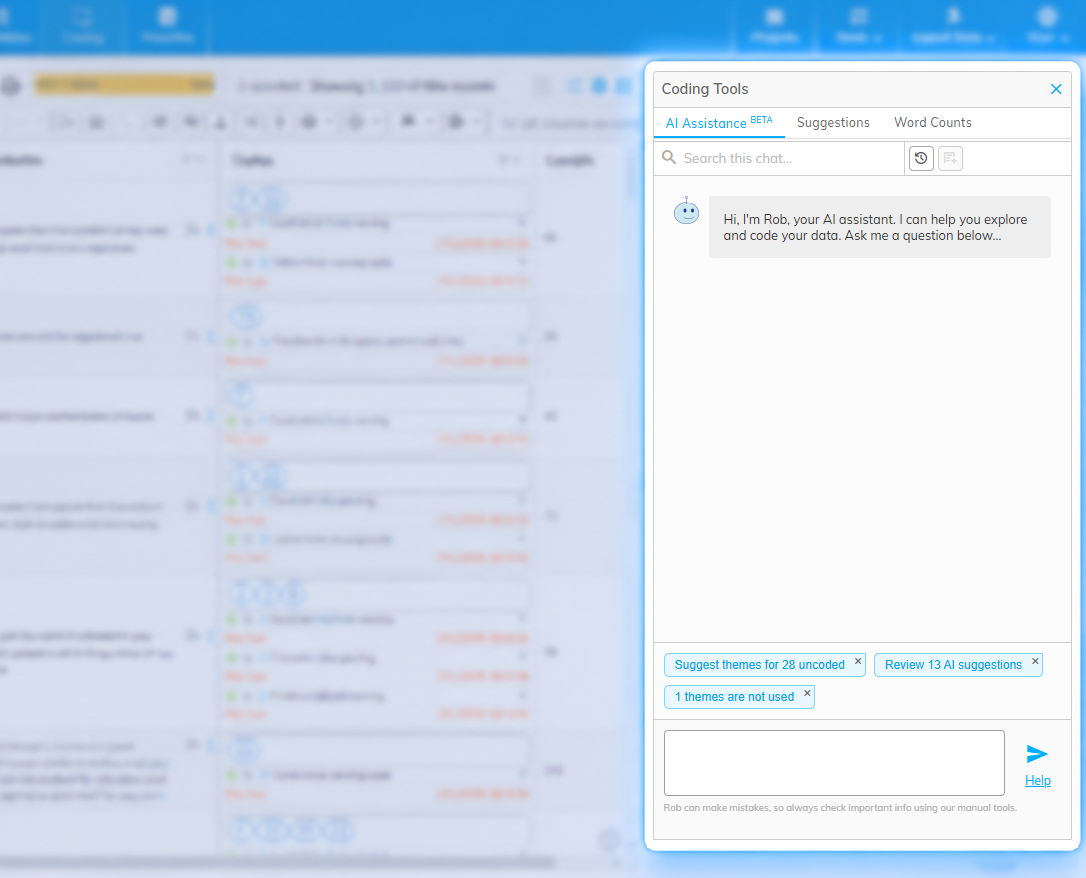
Building on this, we have now added a new "AI Assistance" tab.
In this tab you can work together with Rob to massively increase your productivity.
How Does It Work?
It works like the other AI Chat interfaces you are already used to.
However, Rob can interact with the coding screen, your codeframe and your data so can carry out actions on your behalf.
Just type a question or an instruction and press go to set Rob to work.
What Sort of Things Can It Do?
In short, anything you can do in the coding screen, Rob can do too.
You can ask him to add a code to the codeframe, reorganise nets, search for verbatims, apply/remove codes and so on.
However, the real time saver comes when you ask Rob to do complex tasks that would take a lot of manual effort.
For example, you can ask Rob to evaluate your codeframe, check for inconsistent coding, check translations, suggest new codes and so on...
Where Do I Start?
The best way to get started is just to type in a simple request and see what happens.
The more you work with Rob the more you will discover he can do.
If you're struggling for inspiration, you'll find a set of autogenerated prompts, based on your project, that you can click to use.
Will Rob Go Rogue?
No - Rob is under strict rules that mean he can only do coding related tasks.
Also, he won't apply any changes without checking with you first.
If you change your mind, all changes can be reversed by using the "Undo" button in the manual coding screen.