
Introduction
When using Data Links in codeit, you can synchronize data directly from and to your survey platform.
You can manually trigger a sync on demand from the Project Dashboard page. This technique ensures that your data is up to date at that exact instant, e.g. just prior to starting a coding session.
However, sometimes it is useful to synchronise your data automatically on a schedule.
The "Data Sync Schedules" panel available in the Project Details page gives you the ability to create and manage sync schedules on a Project in codeit.
Accessing the Data Sync Schedules panel
To view the Data Sync Schedules panel, click the "Data Sync Schedules" button in the ribbon within the Project Details page.
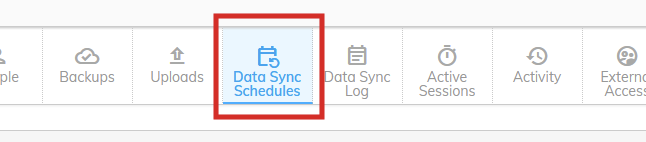
Panel Fields
Information about Data Sync Schedules are shown in a table, with the following columns:
Adding a Data Sync Schedule
You can add a Data Sync Schedule by clicking on the Add icon:

Click here to learn more about adding a Data Sync Schedule.